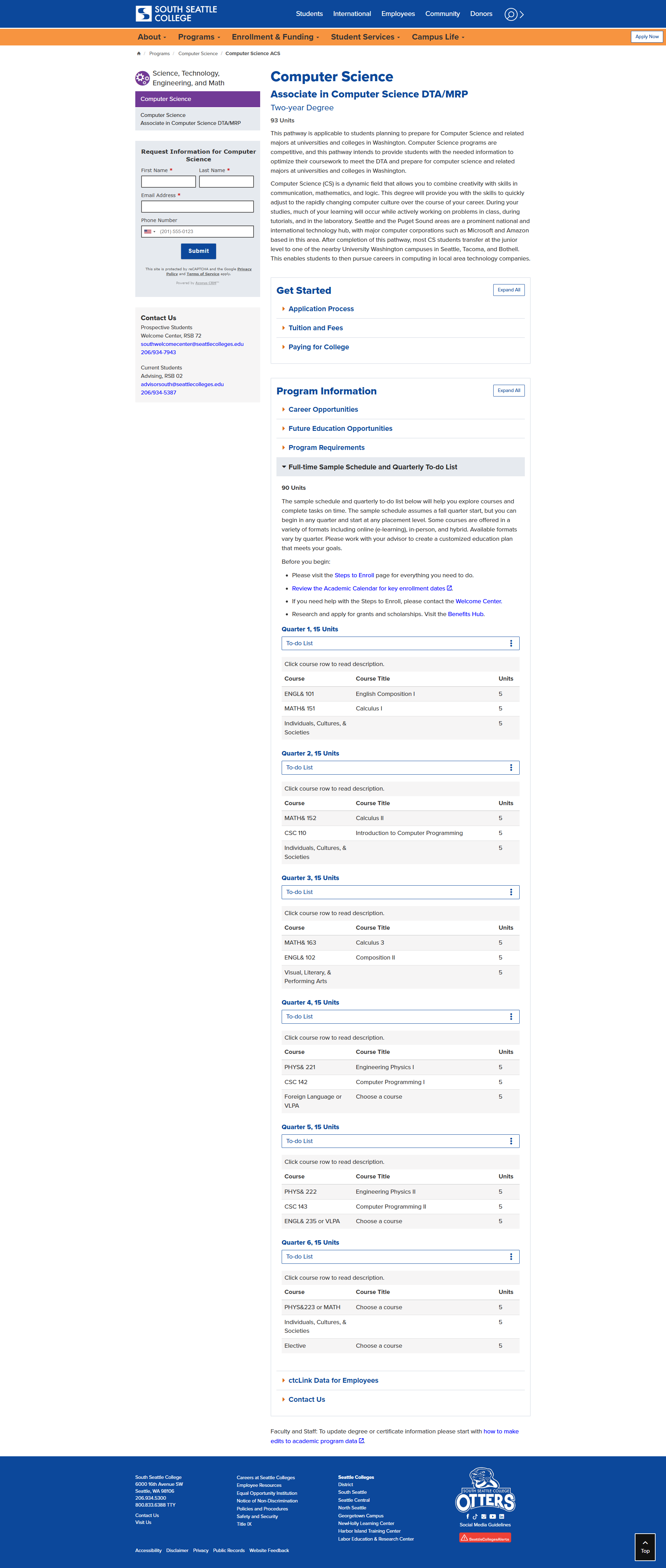
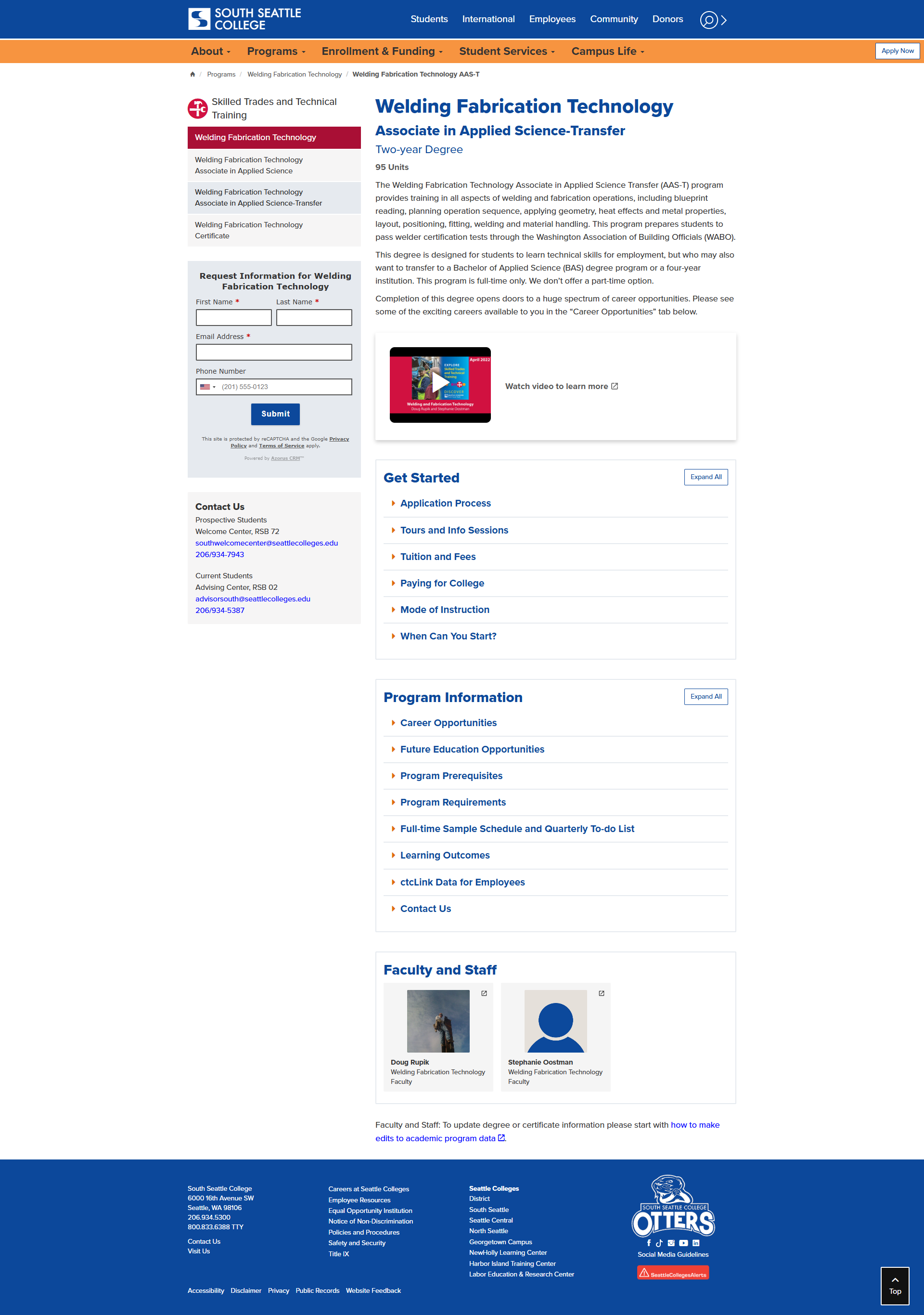
Webpage Design Examples
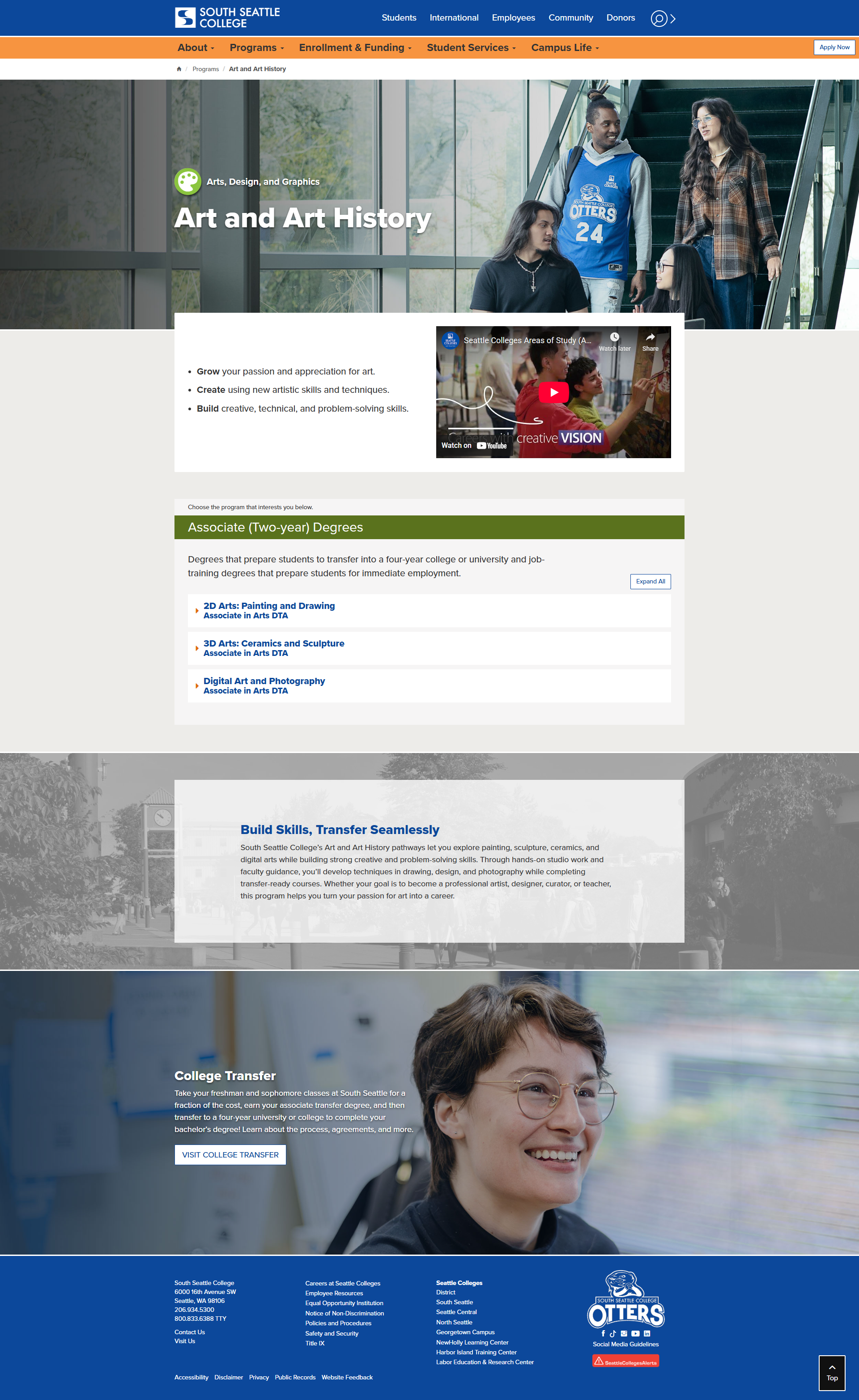
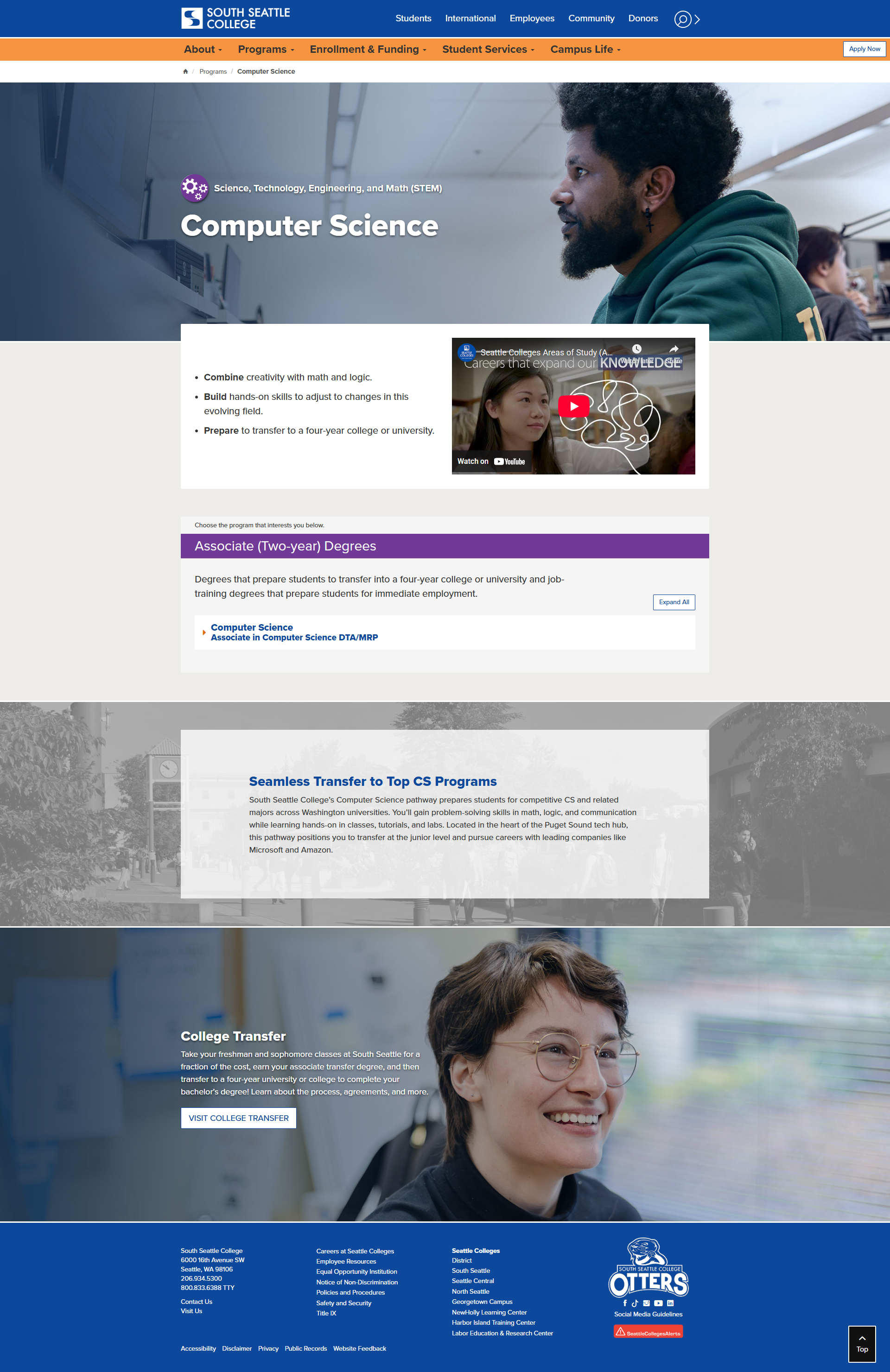
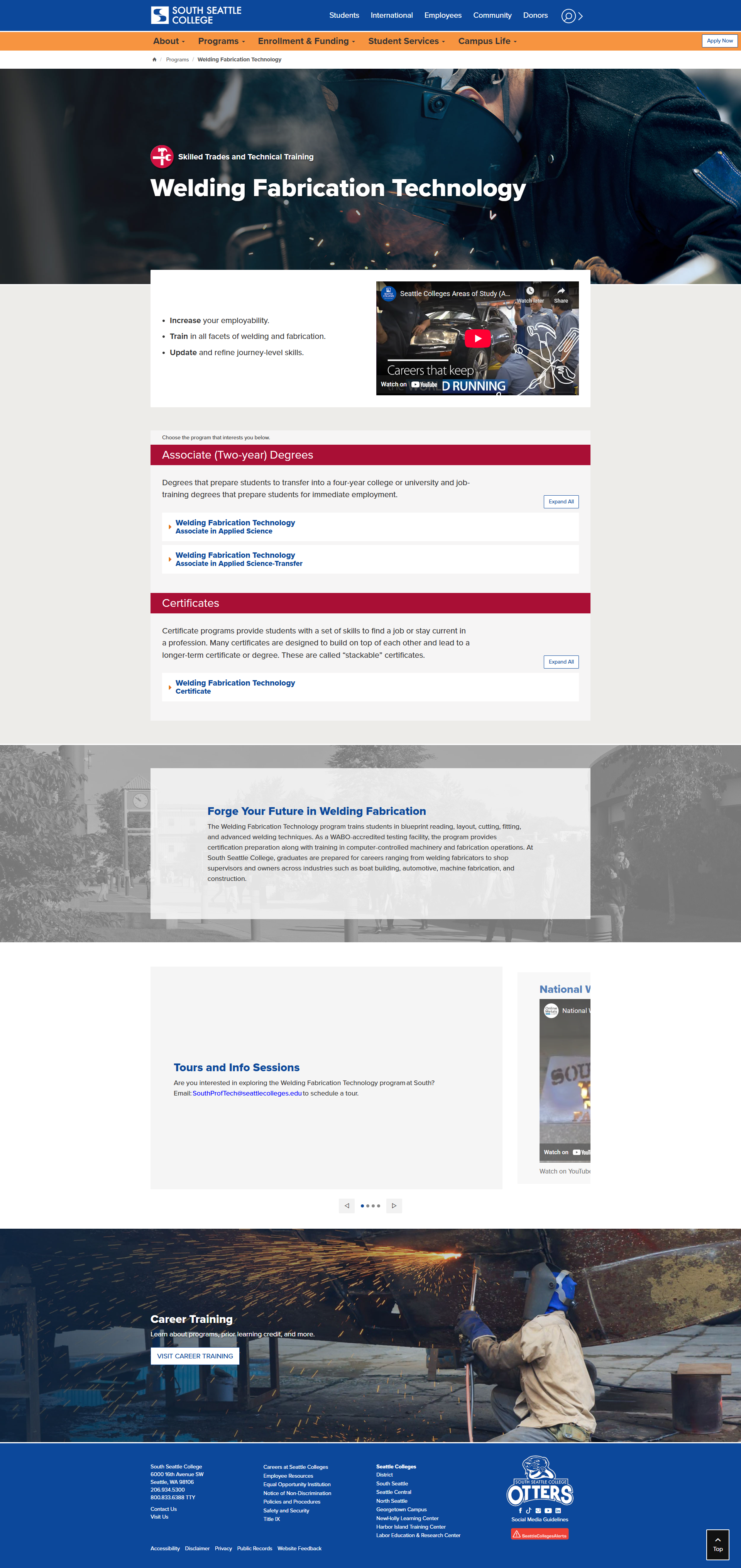
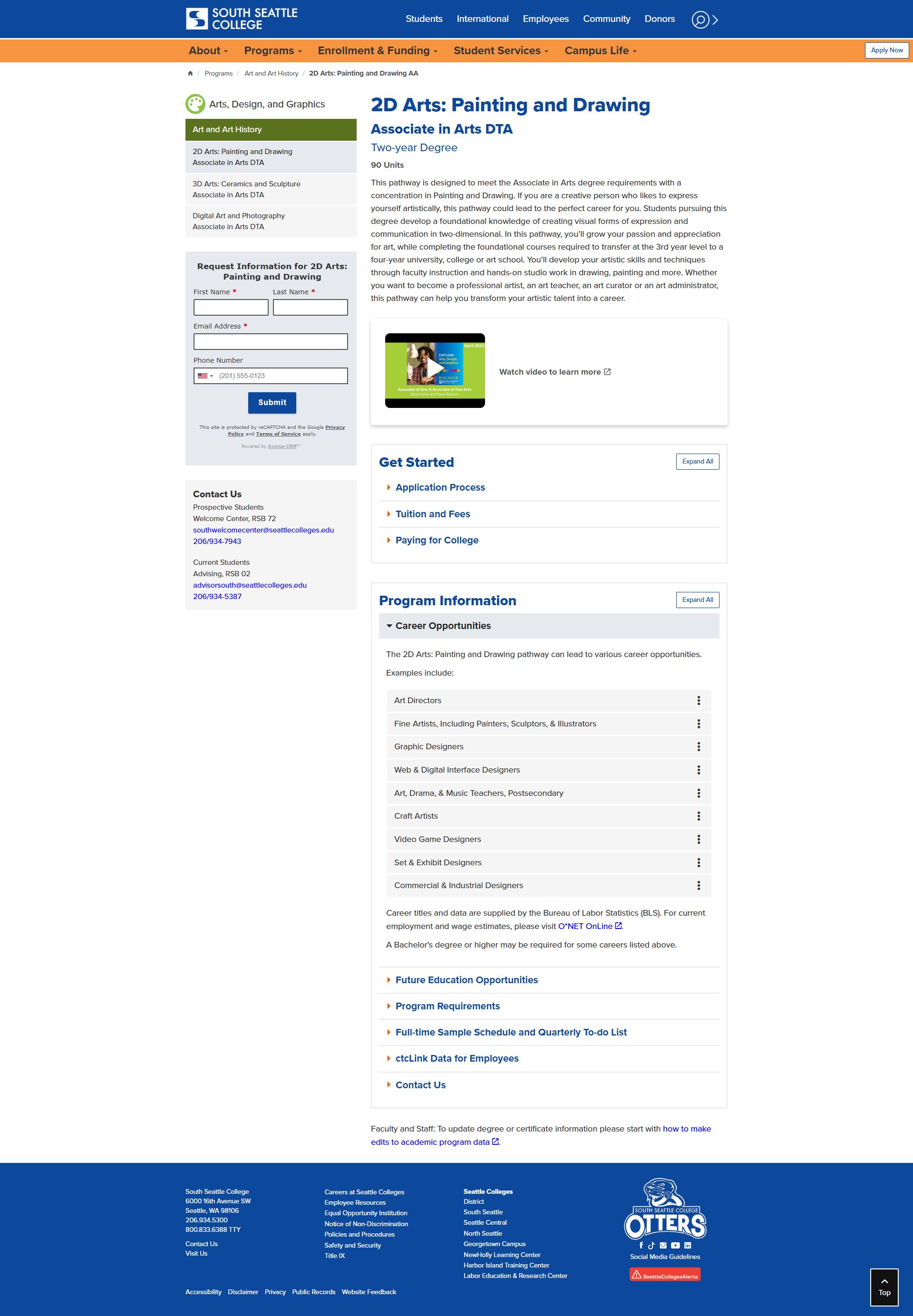
Below are visual examples that show how the new academic program templates come to life across different pages and devices. These screenshots highlight the streamlined layout, accessible design choices, and consistent navigation patterns students will experience. They offer a quick look at how all the project’s features translate into a modern, intuitive interface.
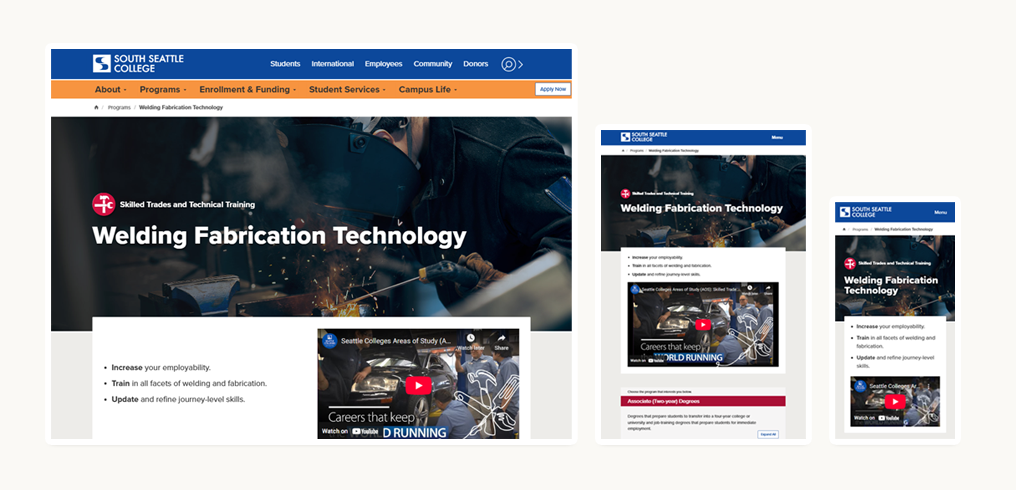
These examples represent the current direction of our design work, showing how the new system is taking shape across pages and devices. As the project evolves, we’ll continue refining layouts, visuals, and interactions based on feedback and usability insights. More updates and expanded examples will be added as the templates grow and improve.
Click a thumbnail, use browser tools to view page at 100%, and scroll.